
One page for your business, built to turn scans into customers
RoutePath.page hosts your business page, campaign page or microsite: reviews, menus, contact buttons and lead forms in one place, with QR and NFC routing and analytics built in.
No sign-up needed. Our team sets up your business account for you.
Pick the format that fits your goal
Three page types, each built around what you want customers to do next.
Action Page
Drive a specific action quickly.
Perfect for
- →Reviews
- →Menus
- →Rewards
- →Ordering
- →Promotions
- →Events
Business Hub
Create a digital home for your brand.
Perfect for
- →Creators
- →Influencers
- →Artists
- →Realtors
- →Agencies
- →Consultants
- →Contractors
- →Professional Services
Lead Funnel
Capture leads and drive conversions.
Perfect for
- →Giveaways
- →Coupons
- →SMS Capture
- →Email Capture
- →Event Registration
- →Promotions
See what you can build
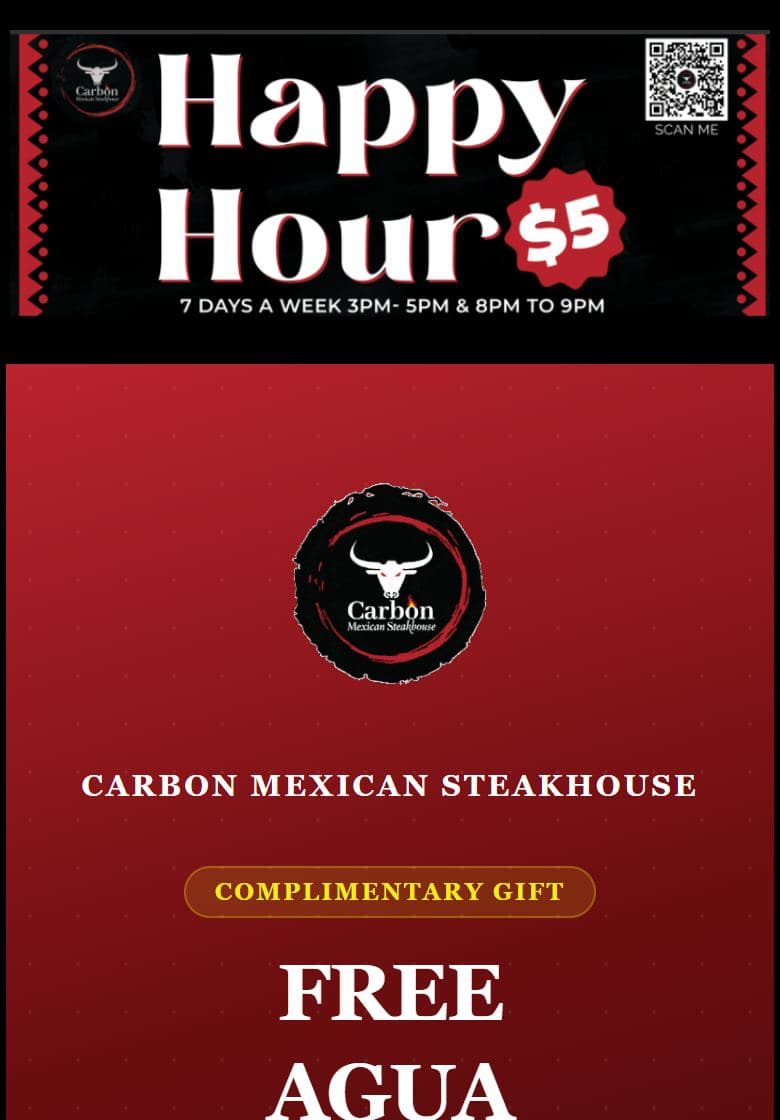
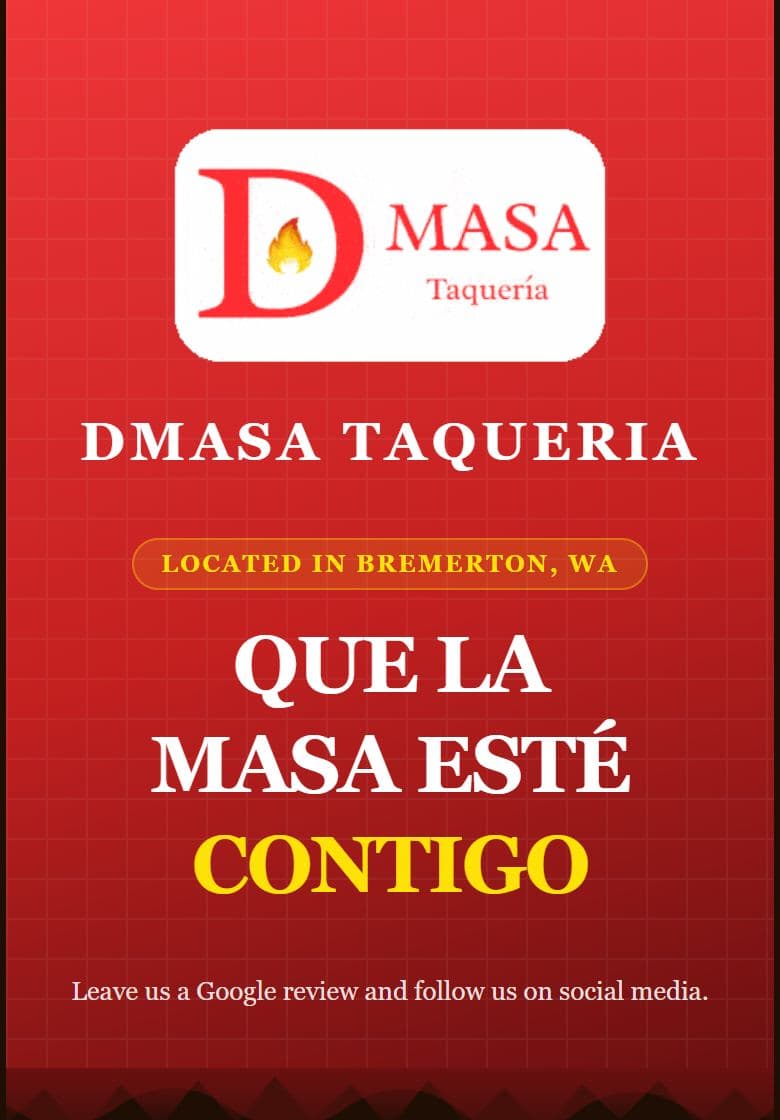
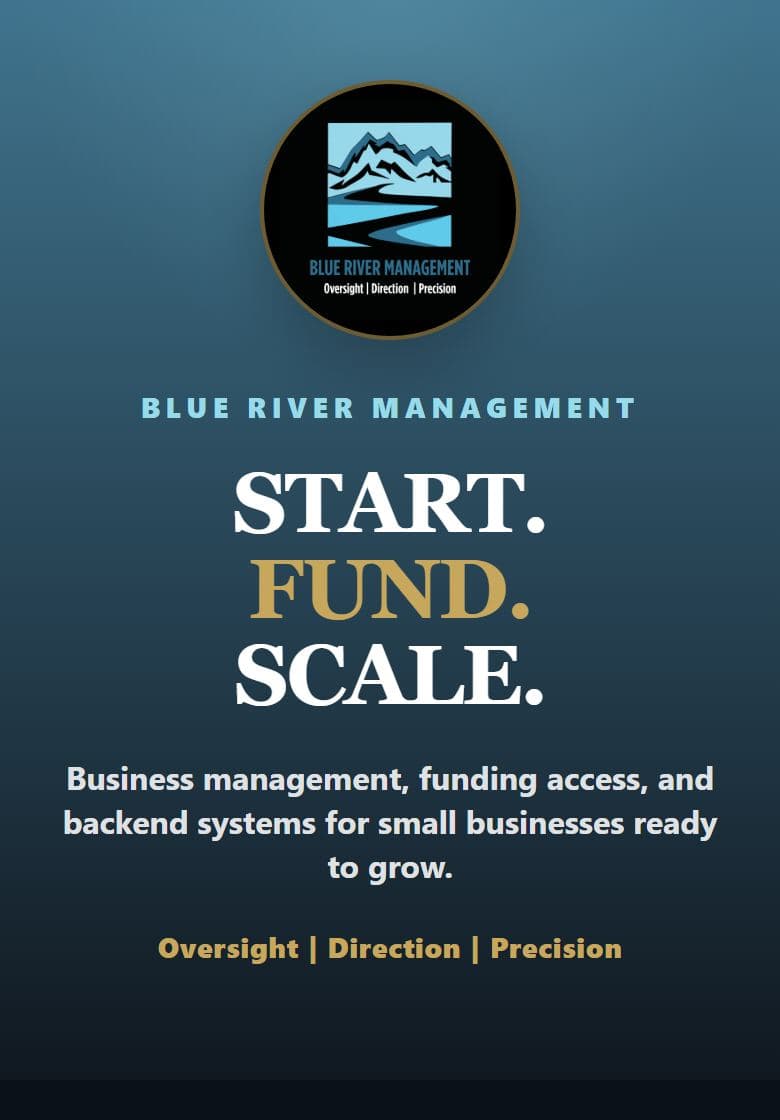
Real businesses using RoutePath.page today. Open one on your phone.
How it works
- 1
Tell us about your business
Send a short inquiry. We reply to set up your business account and your first page with you.
- 2
We build it with you
Your page goes live on RoutePath.page with your logo, links, offers and forms, and you get your own admin to manage it.
- 3
Share it and measure it
Put it behind a QR code, an NFC tag or any link, then see visits, taps, form submissions and where customers came from.
Everything on one hosted page
Hosted for you, connected to QR and NFC, and measured from the first visit.
One page for every customer action
Reviews, menus, calls, directions, social links, offers and sign-ups together, so customers do the next thing in one tap.
QR and NFC ready
Send printed QR codes and NFC taps straight to your page, and keep the same code working when you change what it shows.
Built-in analytics
See page visits, button clicks, phone and email taps and form submissions, and which QR, NFC tag or link brought each visit.
Lead and event forms
Collect names, emails, phone numbers and event registrations right on the page, with submissions sent to you.
Campaign pages and microsites
Run a promotion, an event or a whole small site from the same account, each with its own address and numbers.
Your own admin account
Edit your page and read your results in a dashboard that belongs to your business, set up for you by the RoutePath team.
Request your business page
Tell us about your business. The RoutePath team creates your business account and builds your first page with you.
Questions
How do I get a RoutePath.page business page?
Send the inquiry form on this page. The RoutePath team creates your business admin account and builds your first page with you. There is no public sign-up.
Do I need a website?
No. Your RoutePath.page can be your business's page on its own, or the page your QR codes, NFC tags and social links point to.
What can go on a page?
Your logo and brand, links and buttons (call, email, directions, menu, reviews, social), offers, forms and event details. The three page formats are Action Page, Business Hub and Lead Funnel.
Can I use it with QR codes and NFC?
Yes. Pages are built to be reached from QR codes, NFC tags and links, and each is tracked separately so you can see which one works.
Can I change my page after it is live?
Yes. You edit it from your admin account, and the address and any printed QR codes keep working.
How is RoutePath.page different from RoutePath.to and RoutePath.io?
RoutePath.page hosts business and campaign pages. RoutePath.to is for short and branded links. RoutePath.io is the full platform and where RoutePath's products come together.
Part of the RoutePath family
RoutePath.page is RoutePath's business page product. Start with one tool and discover more ways to create, connect and grow.
RoutePath.io
The full platform: campaigns across QR, NFC, SMS and social, with landing pages and campaign-level attribution.
Explore RoutePath.io →
RoutePath.to
Short links, branded links, routing and analytics, free to start.
Shorten a link →
Scans Now
Free QR codes with custom designs and scan analytics, powered by RoutePath.
Create a QR code →